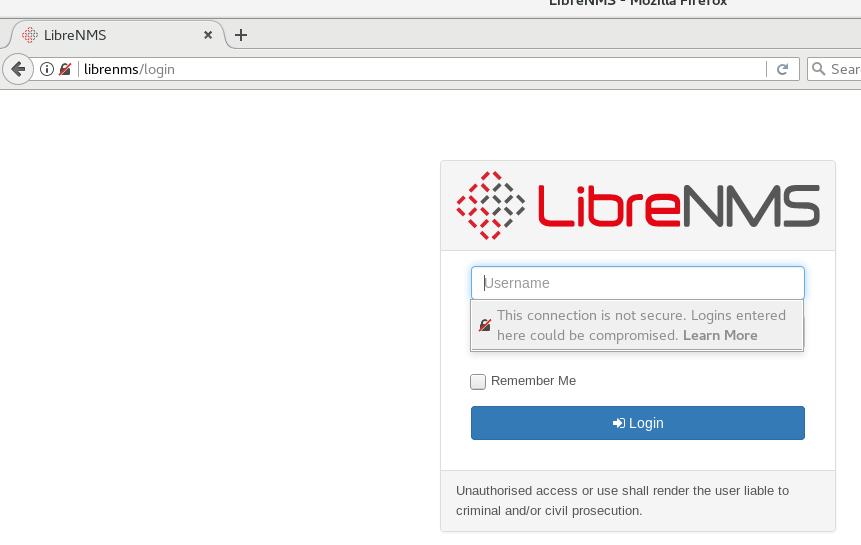
Installed librenms on CentOS 7 using nginx documentation, ran into several issues but finally got ./validate.php to work:
[root@librenms librenms]# ./validate.php
| Component | Version |
|---|---|
| LibreNMS | 1.48.1-70-g2eac72d |
| DB Schema | 2019_01_16_195644_add_vrf_id_and_bgpLocalAs (131) |
| PHP | 7.2.14 |
| MySQL | 5.5.60-MariaDB |
| RRDTool | 1.4.8 |
| SNMP | NET-SNMP 5.7.2 |
| ==================================== |
[OK] Composer Version: 1.8.4
[OK] Dependencies up-to-date.
[OK] Database connection successful
[OK] Database schema correct
[WARN] You have not added any devices yet.
[FIX]:
You can add a device in the webui or with ./addhost.php
Output of daily.sh
[root@librenms librenms]# ./daily.sh
Re-running /opt/librenms/daily.sh as librenms user
Updating to latest codebase OK
Updating Composer packages OK
Updating SQL-Schema OK
Updating submodules OK
Cleaning up DB OK
Fetching notifications OK
Caching PeeringDB data OK
But unable to see the webui, page not found error. Tried localhost, ip, hostname .. still get
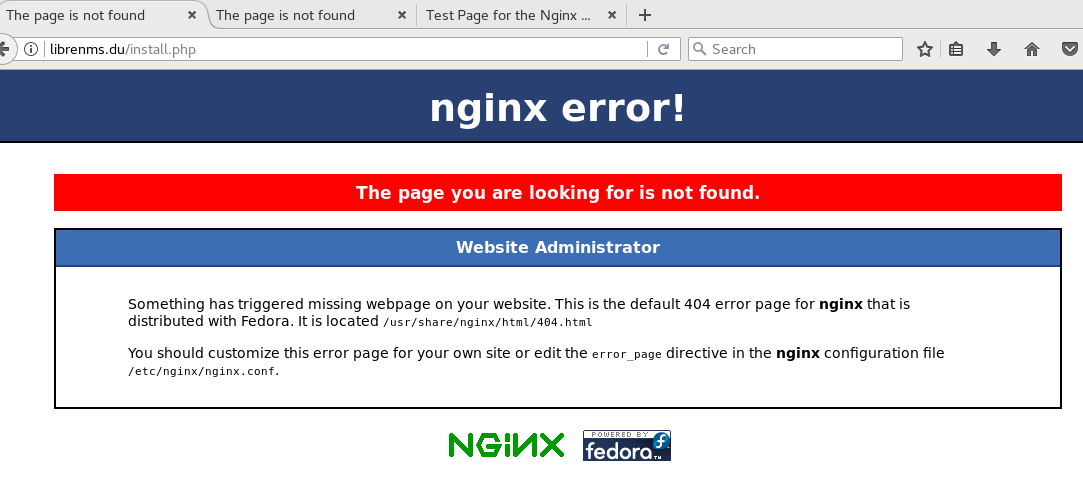
I think I may have messed up this section on the documetation.
NOTE: If this is the only site you are hosting on this server (it should be :)) then you will need to disable the default site. Delete the server section from /etc/nginx/nginx.conf
As you can tell, I’m new to linux. Please be gentle.
Thanks