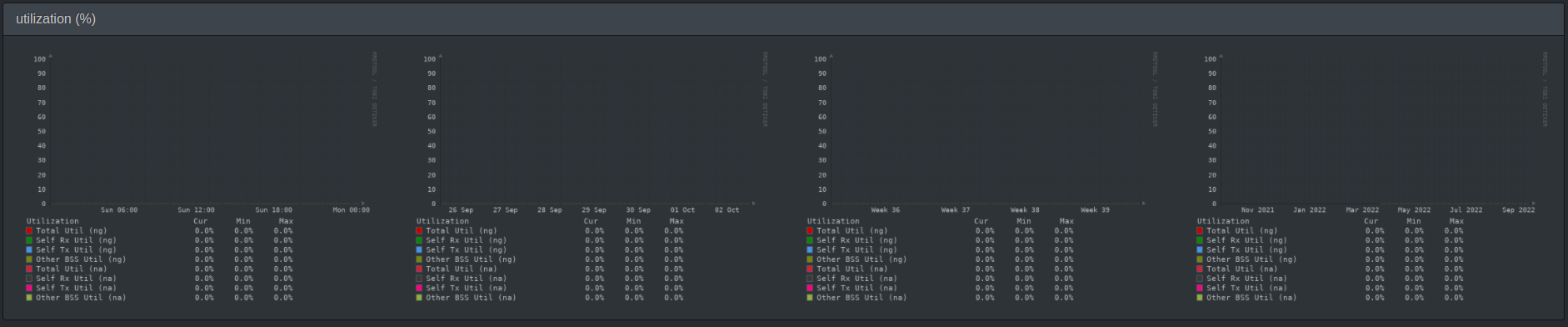
Ubiquiti does not offer that data for some Unifi devices for some reason via snmp. I encourage you to do a walk of the device, because I would love to be proved wrong. Odd that an empty graph is shown.
Hi,
I did what you asked. It looks like you are correct.
To the best of my knowledge I can say the following. For the OID
.1.3.6.1.4.1.41112.1.6.1.1.1.6
I do get values that represent airtime usage. However I get these values only from the UAP-AC-Pro’s and Mesh’s.
The nanoHD only gives me back the value 0. Which would explain why LibreNMS is painting a graph but it is empty. Because it is not empty, it is just painted with value 0 and so appears to be empty. LibreNMS is doing perfectly fine and works as expected.
That is a bummer to say the least. I’ll try to open a support case with Ubiquiti but I don’t have high hopes.
Hey,
I just wanted to give a quick update on this.
I opened a support ticket with Ubiquiti on October 07, 2022. Their support was very nice and helpful.
I explained my issue in detail.
They released a new firmware version, UniFi Access Point 6.5.8, on October 24th.
You can read in the releasenotes
Bugfixes
[…]
[UAP-Gen4/Gen5] Fix SNMP polling not working in some cases
[…]
I believe the 6.5 series is still in beta. I’m not sure if they backported this fix to the current stable version. However if you need Airtime Utilization via SNMP, 6.5 is your friend.
At the point of writing UniFi Access Point 6.5.26 is the latest one. Still Beta. But it works like it should.
So all I can say is, this is solved and fixed. Thanks to the Ubiquiti staff.